
Minimal Quote Card Design
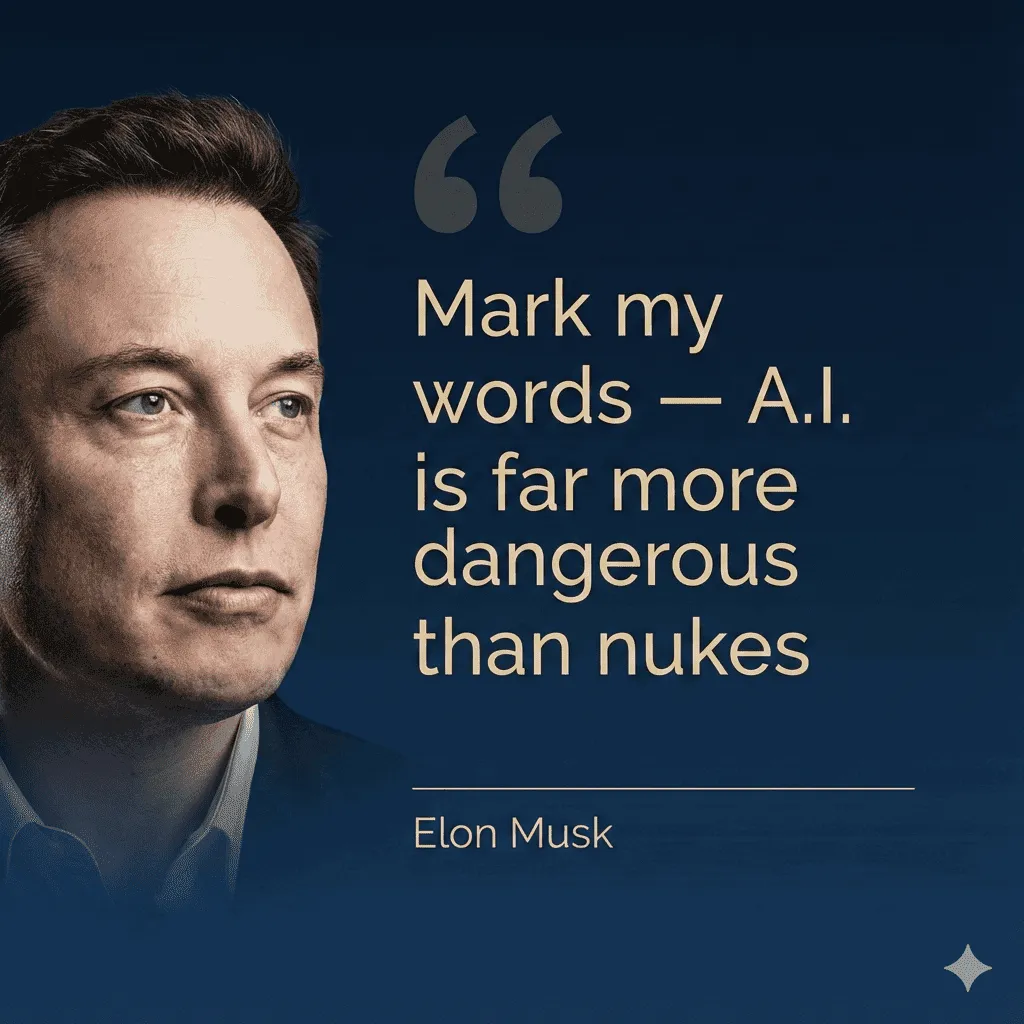
Create a premium editorial quote card (Instagram portrait format) featuring a realistic portrait on the left and the quote on the right. The text area should take about two-thirds of the image and the portrait about one-third, with a smooth gradient transition that blends the portrait edge into the background. Use a deep midnight navy background with a subtle gradient (e.g., #07162A → #0B2340). Set the quote text in soft champagne gold (e.g., #E6D3A6) — not orange, not bronze. Use the same champagne tone (or a slightly lighter off-white) for the thin divider line and the author name. Add a large, subtle opening quotation mark in a very low-opacity champagne tint (10–15%). Important: avoid brown/sepia/tan tones completely. Typography (match premium quote-card design): Use a clean, modern geometric sans-serif for the quote (Helvetica/Neue-style, Gotham-style, or similar), with medium weight for the main quote and lighter weight for the author line. Keep it extremely legible (no decorative serif fonts, no script, no heavy stylization). Use generous line spacing and consistent left alignment. Text (must be EXACT, do not change any words, punctuation, capitalization, or spacing): "Mark my words — A.I. is far more dangerous than nukes" Author line (smaller, exact): “Elon Musk” Layout: Place oversized opening quotation marks near the top-left of the text block. Place the quote beneath it, left-aligned. Near the bottom-left of the text block, add a thin horizontal line and place the author name under it. Keep ample padding around all text. No extra icons, logos, hashtags, or additional text. Output: Create a portrait image at 1080×1080 optimized for Instagram, with crisp, sharp, perfectly readable text and a polished magazine-style finish.